Features
Import, AI, media, SEO and publishing in one WordPress workflow.
SyndiScribe AI combines source parsing, job queues, duplicate checks, templates, media handling, SEO metadata and controlled AI transformation.
- Many source types
- Queue and logs
- Controlled AI
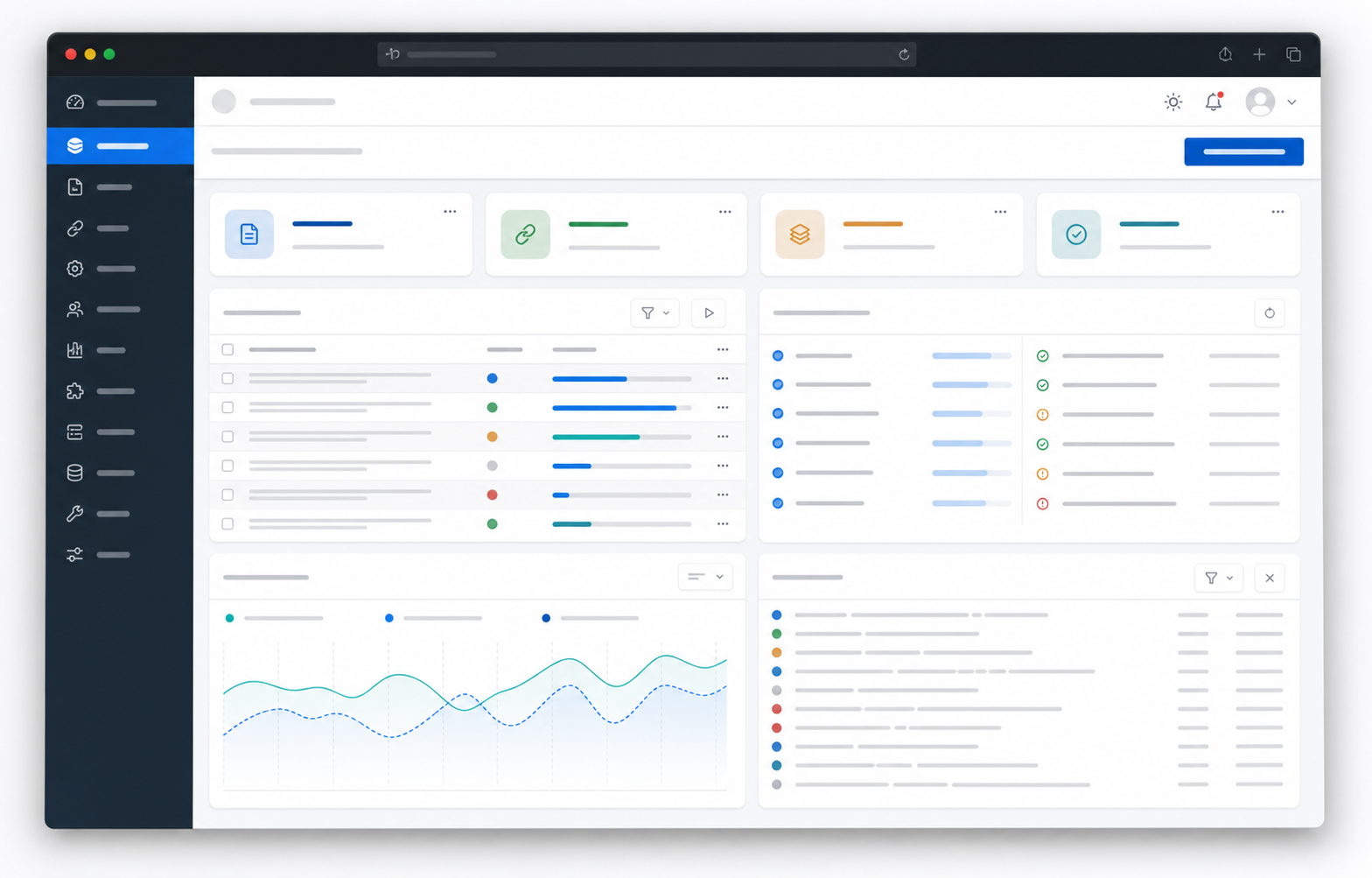
Many source types
RSS, Atom, JSON Feed, CSV, sitemaps, basic HTML, YouTube and XML mapping.
Background work
Jobs are queued, retried and logged so the import flow stays visible and recoverable.
Repeat control
Compare URLs, IDs, titles and content fingerprints before creating another post.
Text transformation
Rewrite, summarize, translate and prepare SEO copy with usage limits and provider controls.
Validated images
Image downloads are checked for size and file type before entering the WordPress media library.
Post metadata
Prepared for titles, descriptions, canonical URLs, categories, tags and common SEO plugins.
How the features work together in a normal day.
First you add a source, which tells the plugin where the content comes from. Then you choose the WordPress result: draft, post, product or review-ready item. After that you set simple rules: how many items to import, which category to use, whether to fetch an image, whether AI should help and whether everything must wait for approval.
For a beginner, the important part is visibility. A source can be paused, the queue can be checked, a draft opens like any normal WordPress post and errors appear in logs instead of disappearing in the background.
- A source tells the plugin where to collect content.
- A profile saves settings so repeated sources are easier to create.
- The queue shows waiting, completed and failed jobs.
- Draft mode lets you review text before visitors see it.
- Logs explain why something was imported, skipped or stopped.
What should the first plugin version make obvious?
The site and admin panel should explain features through benefits: less copying, fewer mistakes, more control and calmer publishing. Actions should be short, and messages should tell the user what they can do next.
Test run
A user should be able to run one small test without waiting for a schedule. That creates immediate confidence.
Clear status
Messages such as waiting, draft created or duplicate skipped are easier to understand than technical error codes.
Safe defaults
The best first setup is draft mode, a low item limit and manual approval. Stronger automation can come later.